Reign Legacy Withdrawal Failed: Why Cashouts Get Rejected and How to Fix
Reign Legacy Withdrawal Failed: Why Cashouts Get Rejected and How to Fix
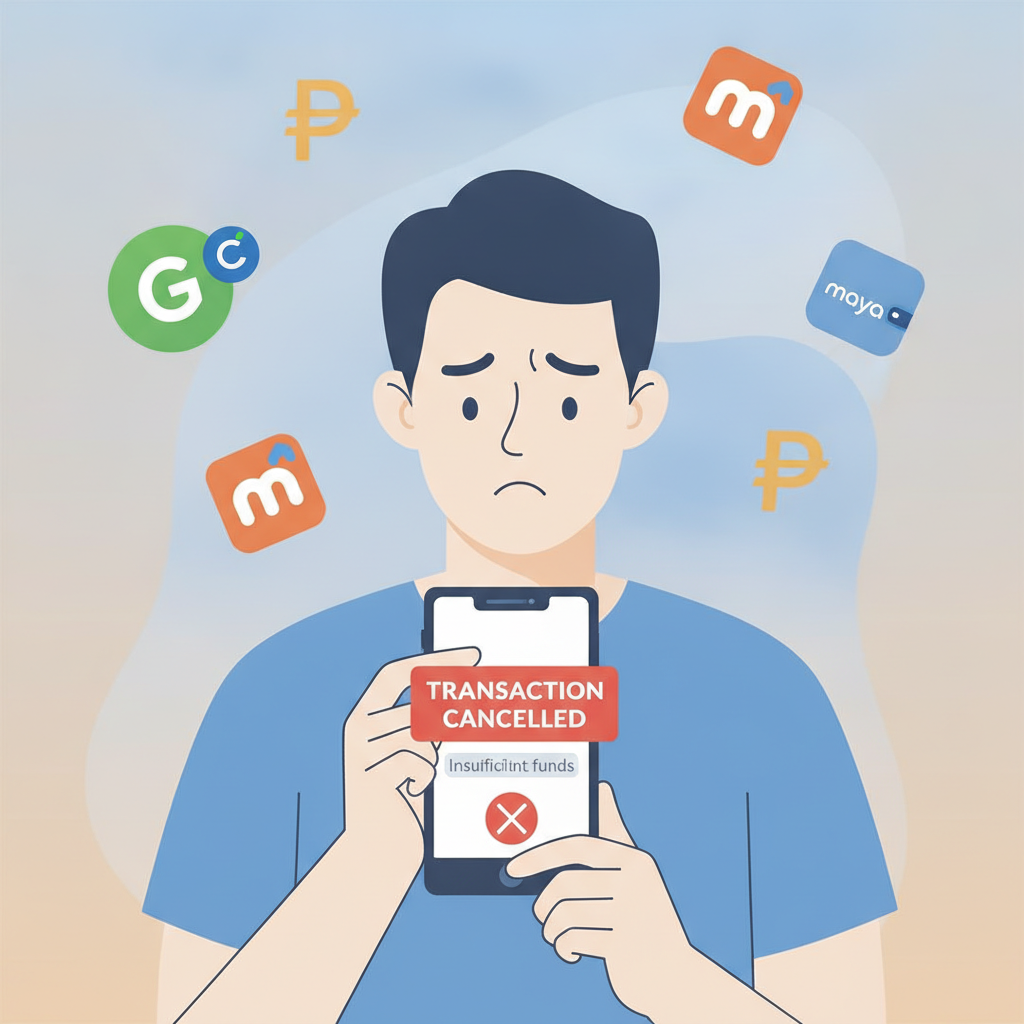
Seeing your Reign Legacy withdrawal request rejected or cancelled is frustrating, especially when you need your winnings in GCash, Maya, or your bank account. This guide explains the most common reasons Reign Legacy cashouts fail and walks through practical fixes for each problem.
This is an independent guide. Reign Legacy is an online casino and sportsbook for players in the Philippines. For 21+ only. If gambling is affecting your life, seek help from the National Council on Problem Gambling.
Common Reasons Reign Legacy Rejects Withdrawal Requests
Most Reign Legacy withdrawal failures fall into a few categories. Understanding which applies to your situation helps you resolve it faster.
Incomplete or Unverified Account
Reign Legacy requires full account verification before approving cashouts. If you've deposited through GCash or Maya but never uploaded ID documents, your first withdrawal attempt will typically be rejected or placed on hold.
The platform checks:
- Valid government-issued photo ID (driver's license, passport, UMID, Postal ID, or Philippine national ID)
- Proof of address dated within the last three months (utility bill, bank statement, or government correspondence)
- Selfie holding your ID, sometimes requested for additional checks
Without all three, Reign Legacy will cancel the withdrawal and send a notification asking for documents.
E-Wallet or Bank Account Name Mismatch
Your withdrawal destination must match the name registered on your Reign Legacy account exactly. If your account is under "Juan dela Cruz" but your GCash is registered to "J. Dela Cruz" or a nickname, the cashout will be rejected.
This is the single most common avoidable error. Reign Legacy uses automated compliance checks, and any name discrepancy triggers a rejection—even a missing middle initial or inverted surname order.
Withdrawal Limits Not Met
Reign Legacy sets minimum and maximum cashout amounts. The typical minimum withdrawal is PHP 100 for GCash and Maya, and PHP 500 for bank transfers via InstaPay or PESONet.
If you request PHP 50, the system will reject it. Maximum limits vary by account tier and payment method—newer accounts often have lower daily or weekly caps until you've completed additional verification or reached a higher VIP level.
Wagering Requirements Still Active
If you claimed a deposit bonus, free spins, or cashback offer, you must complete the associated wagering requirement before any withdrawal is approved. Reign Legacy will cancel the cashout and display the remaining rollover balance in your account.
This applies even if you've deposited multiple times after the bonus. The platform tracks each bonus separately, and any uncompleted turnover blocks all withdrawals.
Incorrect Payment Details Entered
Typos in your GCash number, Maya account, or bank account details will cause the withdrawal to fail. A single wrong digit in an 11-digit mobile number or a missing branch code for a PESONet transfer means the funds cannot be delivered.
Reign Legacy may retry the transaction once, but repeated failures will cancel the request and return the balance to your casino wallet.
Suspicious Activity or Duplicate Accounts
If Reign Legacy's fraud detection flags multiple accounts from the same device, IP address, or household, all withdrawals will be frozen pending review. The platform allows only one account per person, per address, and per payment method.
Using VPNs, sharing devices, or registering with e-wallets already linked to another Reign Legacy account can all trigger this block.
How to Check If Your Account Is Fully Verified for Cashouts
Before requesting a Reign Legacy withdrawal, confirm your account status to avoid rejection.
Log In and Navigate to Verification Settings
- Open the Reign Legacy app or website on your Android phone or browser.
- Log in with your registered mobile number or email and password.
- Tap your profile icon (usually top-right corner) and select "Account" or "Verification."
Look for a status indicator—"Verified," "Pending," or "Action Required."
Upload Missing Documents
If the status is incomplete:
- Tap "Upload ID" and select a clear photo of your government-issued ID. All four corners must be visible, and text must be legible.
- Upload proof of address. A recent Meralco bill, water bill, or bank statement showing your name and residential address works. Screenshots of e-bills are usually accepted if the date and account holder name are clear.
- If prompted, take a selfie holding your ID next to your face. Make sure your face, the ID photo, and ID details are all in focus.
Reign Legacy typically reviews documents within 24 to 48 hours on business days. You'll receive an email or in-app notification once approved.
Confirm Your Registered Name Matches ID Exactly
Check the name displayed under "Account Details." If it doesn't match your ID character-for-character, contact Reign Legacy support through live chat or email to update it before submitting a withdrawal.
Fixing E-Wallet Name Mismatches and Bank Account Errors
Name and account detail mismatches are fixable, but you need to act before requesting another cashout.
GCash and Maya Name Corrections
If your Reign Legacy account name doesn't match your GCash or Maya profile:
- Open your GCash or Maya app and go to "Profile" or "Account Settings."
- Check the registered full name. GCash and Maya use the name tied to your verified mobile number or linked bank account.
- If the e-wallet name is correct but your Reign Legacy account uses a nickname or shortened version, email Reign Legacy support with a screenshot of your verified e-wallet profile and request a name update on your casino account.
Reign Legacy will ask for a copy of your ID to confirm the change. Once processed—usually within 1–3 business days—you can retry the withdrawal.
Bank Account Number and Branch Code Checks
For InstaPay or PESONet bank transfers, double-check:
- Account number: Count every digit. A 10-digit BDO account is not the same as a 12-digit BPI account. Do not include spaces or dashes.
- Account name: Must match your Reign Legacy account exactly, including middle initials and suffix (Jr., Sr., III).
- Bank branch code: Some banks require this for PESONet. Find it on your account statement or mobile banking app under account details.
If you entered the wrong account number on your first withdrawal attempt, log in to Reign Legacy, go to "Withdrawal Settings" or "Payment Methods," delete the incorrect entry, and add the correct bank details. Verify each digit before saving.
What to Do If Your Reign Legacy Withdrawal Is Cancelled or Returned
A cancelled withdrawal means Reign Legacy rejected the request and returned the funds to your casino balance. A returned withdrawal means the payment processor (GCash, Maya, or your bank) could not deliver the money and sent it back.
Check Your Transaction History
- Log in and navigate to "Transaction History" or "Cashier."
- Find the failed withdrawal and tap for details.
- Look for a reason code or message: "Verification required," "Name mismatch," "Invalid account," or "Limit exceeded."
This tells you exactly what to fix.
Contact Reign Legacy Support with Transaction ID
If the reason isn't clear:
- Open live chat from the Reign Legacy app or website. Available hours are typically 24/7, but response times vary.
- Provide your registered mobile number or email, the transaction ID of the failed withdrawal, and the date/time you submitted it.
- Ask specifically: "Why was this withdrawal cancelled?" and "What do I need to do to approve the next attempt?"
Support can check backend notes that aren't visible in your account dashboard.
Resubmit After Fixing the Issue
Once you've uploaded documents, corrected your payment details, or cleared wagering requirements:
- Go to "Withdrawal" or "Cashier."
- Enter the amount (minimum PHP 100 for e-wallets, PHP 500 for banks).
- Select the correct, verified GCash, Maya, or bank account.
- Confirm the withdrawal.
Check your email and app notifications. Approved Reign Legacy GCash and Maya withdrawals typically process within 1 to 24 hours. InstaPay bank transfers clear in a few hours; PESONet can take 1–3 banking days.
Escalate If the Problem Persists
If two or three consecutive withdrawal attempts fail despite following all instructions, ask Reign Legacy support to escalate to the payments or compliance team. Provide:
- Screenshots of your verified e-wallet or bank account profile showing your registered name.
- Copy of your government ID.
- Transaction IDs of all failed withdrawals.
Escalations usually resolve within 3–5 business days.
21+ Reminder and Responsible Gambling Note
Reign Legacy is for players aged 21 and over only. Online gambling should be entertainment, not a way to make money. Set deposit and time limits in your account settings, and never chase losses.
If you or someone you know is struggling with gambling, contact the National Council on Problem Gambling or use the responsible gambling tools in the Reign Legacy app, including self-exclusion and session reminders.
Key Takeaways
- Most Reign Legacy withdrawal failures come from incomplete verification, name mismatches, or incorrect payment details.
- Always upload a government ID, proof of address, and selfie before requesting your first cashout.
- Your e-wallet or bank account name must match your Reign Legacy account exactly—check both before submitting.
- Cancelled withdrawals return to your casino balance; fix the issue flagged in your transaction history and resubmit.
- Contact Reign Legacy support with your transaction ID if the rejection reason is unclear or the problem repeats.
By verifying your account early and double-checking payment details, you can avoid the most common Reign Legacy cashout rejections and get your winnings into GCash, Maya, or your bank faster.