Reign Legacy iOS App: Can iPhone Users Download It in the Philippines?
Does Reign Legacy Have an Official iOS App for iPhone or iPad?
As of now, Reign Legacy does not offer a native iOS app available through the Apple App Store for iPhone or iPad users in the Philippines. Unlike Android users who can download an APK file directly from the Reign Legacy website, iPhone players will not find a dedicated app to install on their devices.
This is common among online casinos and sportsbooks serving the Philippine market. Apple's App Store policies strictly regulate real-money gambling apps, making it difficult for operators to publish iOS apps in many regions. Reign Legacy has chosen to focus on its mobile-optimized website and Android APK distribution instead.
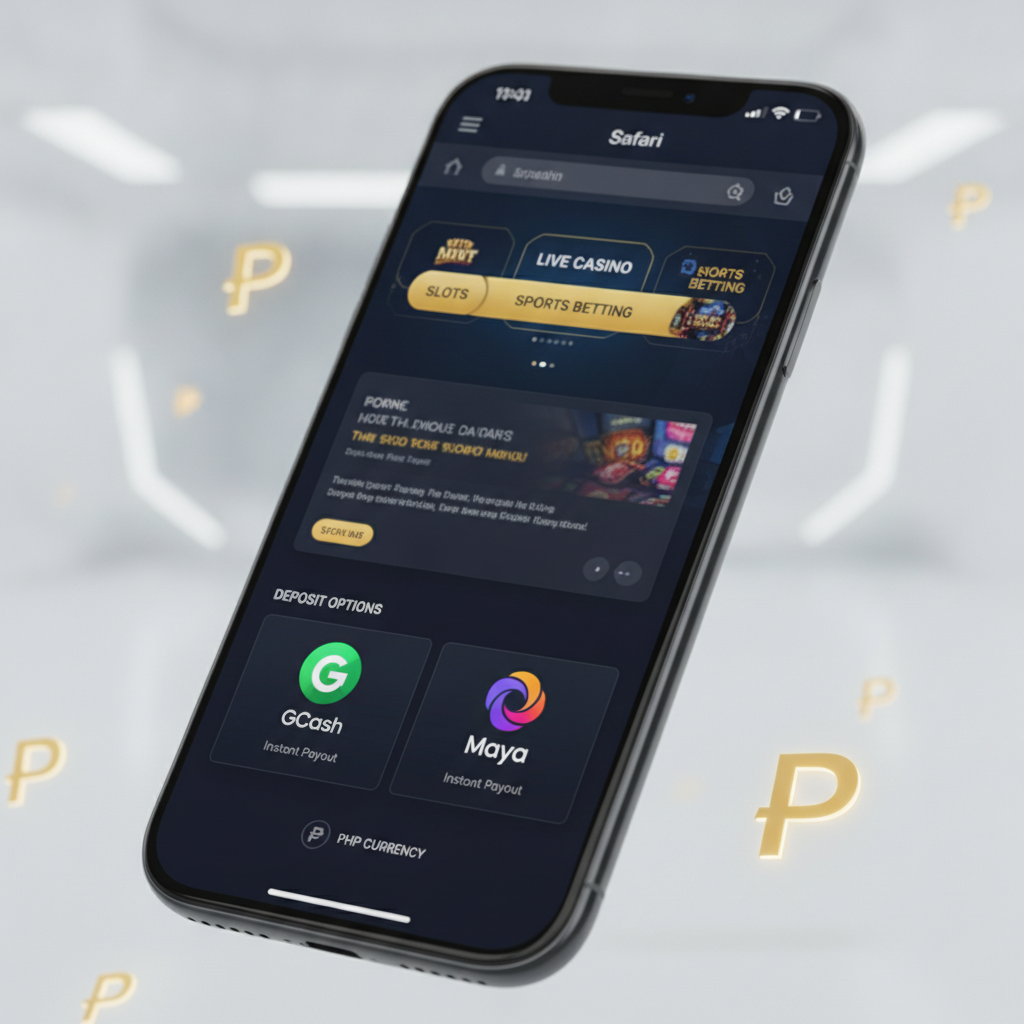
Filipino players using iPhones or iPads can still access the full Reign Legacy platform—slots, live dealer tables, PBA and NBA sports betting, and bingo—through their mobile browser. The experience is designed to work smoothly on iOS Safari, with no app download required.
How to Access Reign Legacy on Safari Mobile Browser
iPhone and iPad users can play on Reign Legacy by visiting the site directly in Safari. Here's how to get started:
- Open Safari on your iPhone or iPad.
- Type the Reign Legacy website address into the URL bar at the top of the screen.
- Tap Go on your keyboard to load the site.
- Log in using your existing Reign Legacy username and password, or register if you're a new player (21+ only).
Once logged in, you'll see the same game library, sports betting markets, deposit options, and withdrawal tools available to Android users. The mobile site adapts to your screen size, whether you're on an iPhone SE, iPhone 14, or iPad.
Safari on iOS supports all the core features Reign Legacy offers: GCash and Maya deposits, InstaPay and PESONet bank transfers, live dealer games, and real-time sports betting. You don't lose functionality by using the browser instead of a native app.
Adding a Reign Legacy Web-App Shortcut to Your iPhone Home Screen
If you want faster access to Reign Legacy without typing the URL every time, you can add a home screen shortcut. This creates an icon on your iPhone that opens Reign Legacy in Safari, giving you an app-like experience.
Step-by-step instructions:
- Open Safari and navigate to the Reign Legacy website.
- Tap the Share button at the bottom center of the screen (a square with an upward arrow).
- Scroll down in the share menu and tap "Add to Home Screen."
- Edit the name if you like (for example, "Reign Legacy"), then tap Add in the upper right corner.
- Check your home screen—you'll see a new icon for Reign Legacy alongside your other apps.
When you tap this icon, Safari opens directly to the Reign Legacy site. You won't see the Safari address bar or browser controls, so it feels closer to a standalone app. This shortcut doesn't take up much storage and makes it easy to jump into a game or place a bet without hunting for the site in your browser history.
The shortcut stays on your home screen until you remove it manually. If you log in and stay logged in on Safari, tapping the icon will usually take you straight to your account dashboard.
Login and Payment Features on iOS vs Android
Reign Legacy's mobile site delivers the same login and payment features on iOS and Android, but there are a few practical differences iPhone users should know about.
Login Process
Both platforms let you log in with your username and password. If you've enabled two-factor authentication or receive SMS verification codes, that works the same way on iPhone as it does on Android. Safari on iOS saves your login credentials through iCloud Keychain if you allow it, making it quick to sign in on repeat visits.
One thing to note: if you clear Safari's browsing data or use Private Browsing mode, you'll need to log in again. The Reign Legacy home screen shortcut opens in regular Safari by default, so your session should stay active as long as you don't manually log out or clear cookies.
GCash and Maya Deposits
When you initiate a GCash or Maya deposit on an iPhone, the process works through the mobile web. You'll typically be redirected to the GCash or Maya app (if installed) or to their mobile payment page in Safari. After you authorize the payment, you're returned to Reign Legacy and your PHP balance updates.
This flow is nearly identical to Android. The main difference is that iOS handles app-to-app redirects slightly differently—sometimes Safari asks for permission to open another app. Tap "Open" when prompted to complete your deposit in GCash or Maya, then return to Reign Legacy.
InstaPay and PESONet Bank Transfers
Bank deposits and withdrawals using InstaPay or PESONet are processed the same way on iOS and Android. You enter your bank account details in the Reign Legacy cashier, confirm the amount, and the platform generates a transfer request.
Because these methods rely on server-side processing rather than device-specific features, iPhone users face the same processing times and limits as Android players. InstaPay deposits usually reflect within minutes, while PESONet can take several hours. Withdrawals follow the same schedule regardless of your device.
Withdrawal Requests
Submitting a withdrawal on an iPhone works just like it does on Android. Navigate to the cashier, choose your withdrawal method (GCash, Maya, or bank transfer), enter the amount, and confirm. You'll receive the same email or SMS notifications about pending, approved, or completed cashouts.
If you encounter a failed or pending withdrawal, the troubleshooting steps are identical: check your account verification status, confirm your payment details match your registered information, and contact Reign Legacy support if the issue persists. Your device type doesn't affect withdrawal eligibility or speed.
Mobile Browser Limitations
The one area where a native iOS app might offer an advantage is offline access and push notifications. Because Reign Legacy runs in Safari, you need an active internet connection to play, and you won't receive app-based alerts about new promotions or bet results. Instead, Reign Legacy sends updates via SMS or email.
For most Filipino players, this isn't a dealbreaker. Mobile data and Wi-Fi are widely available in Metro Manila and the provinces, and SMS notifications work reliably for deposit confirmations and withdrawal updates.
Performance and User Experience on iPhone
Reign Legacy's mobile site is optimized for iOS Safari, and most players report smooth performance on recent iPhone models. Games load quickly over 4G or Wi-Fi, live dealer streams run without major buffering, and the cashier tools respond well to touch input.
Older iPhones (iPhone 7 or earlier) may experience slower load times, especially with graphics-heavy slots or multiple live dealer tables open. If you're on an older device, closing background apps and connecting to a stable Wi-Fi network can help.
iPad users get a larger screen, which can make navigating the game lobby and sports betting markets easier. The layout adjusts to tablet dimensions, though it's still the mobile site rather than a desktop-style interface. You won't see separate tablet-optimized menus, but text and buttons scale up for better readability.
21+ Responsible Gambling Reminder
Reign Legacy is for players aged 21 and older only. Online gambling can be entertaining, but it's important to set limits on the time and money you spend. If you find it difficult to stay within your budget or if gambling starts to interfere with daily life, consider using Reign Legacy's deposit limits or self-exclusion tools.
Never gamble with money you can't afford to lose, and remember that all casino games and sports bets carry risk. There are no guaranteed winnings or risk-free plays. If you need support, reach out to a responsible gambling organization in the Philippines or contact Reign Legacy customer service for assistance with account controls.
Summary: Reign Legacy does not have a native iOS app on the Apple App Store, but iPhone and iPad users in the Philippines can access the full platform through Safari. The mobile site supports GCash, Maya, InstaPay, and PESONet deposits and withdrawals, and you can add a home screen shortcut for faster access. Login and payment features work the same way on iOS and Android, with no major functionality gaps. For existing Reign Legacy players who prefer iPhones, the browser-based experience is a practical, reliable option.